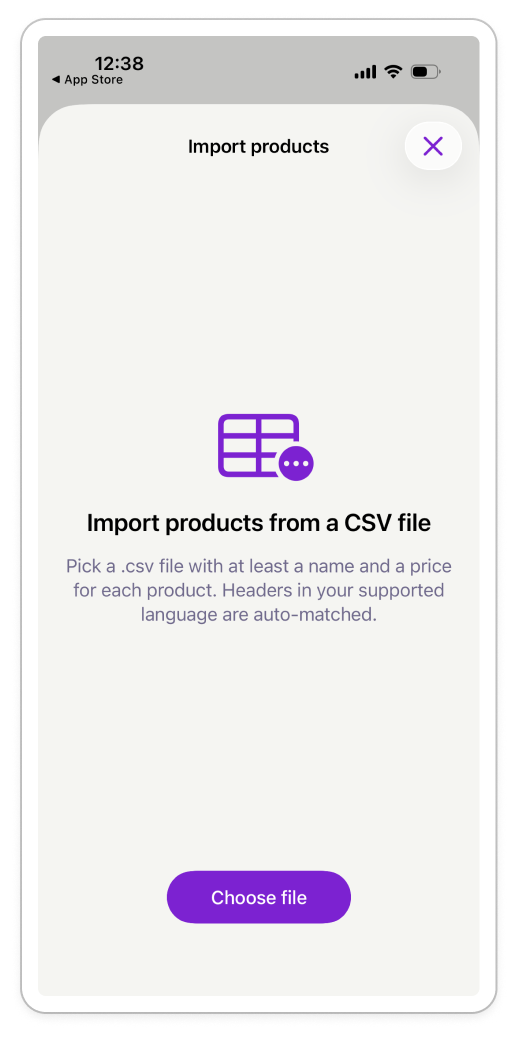
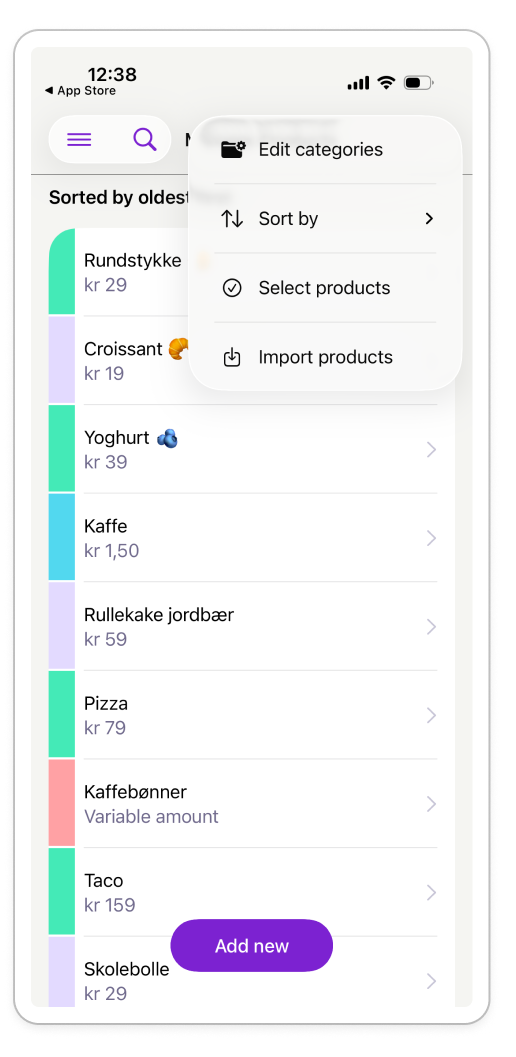
Importing products from a CSV file
Note: CSV product import is currently available only in the Mobile Point-of-sale app for iOS. What does my CSV file need to contain? Your CSV file must include at least:
- A Product name
- A Sales price (including VAT)
If you're importing variable-price products, include a column that marks them as variable (for example, using yes or true). A sales price column is still required, but its value will be ignored for variable-price products. Before importing, check that Mobile Point-of-sale has matched each CSV column to the correct product field. Why am I asked to review products before the import finishes? Mobile Point-of-sale may ask you to review products if:
- A product name matches an existing product.
- A VAT value is missing.
- A VAT value isn't recognized for your country.
You can review each product individually or use Change all to apply the same action to all flagged products. I imported my products incorrectly. How do I fix it? If the product names were imported correctly, simply import the same CSV file again, correct the field mapping, and choose Change all → Keep Incoming. This updates the existing products with the correct information. If the product names were also imported incorrectly, Mobile Point-of-sale can't match them to the existing products. In this case, delete the imported products and import the CSV again with the correct field mapping.